Google Review QR Code: How to Make One, Place It and Stay Inside the Rules
How to get a Google review QR code, where to place it, what Google's rules forbid, and when a trackable short link in front of it is actually worth having.
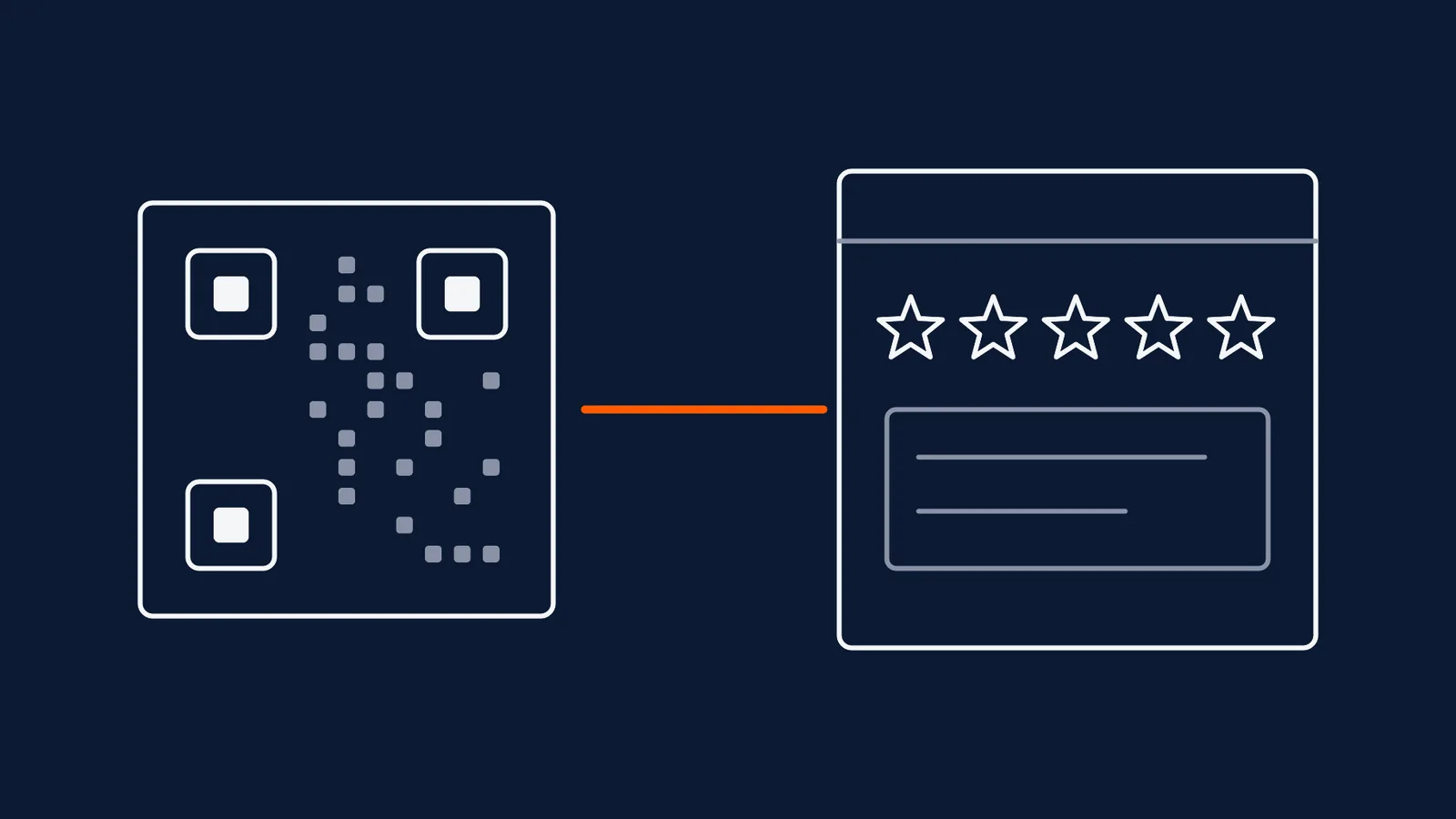
A review request is one of the few places where a QR code removes real work. Without one, a happy customer has to remember your business name, open Maps, find the right listing and scroll to the review button. With one, they point a camera and start typing.
The catch is that Google is strict about how you ask, and a few tidy-looking ideas, such as a quick feedback page before the review form, are exactly what its rules are written against. This post covers how to make the code, where it works, what to avoid and what a trackable link adds.
What Google gives you for free
Google's help page describes the route. From your Business Profile on a computer, open the reviews section and choose the option to get more reviews. You can copy the review link or right-click the QR code and save the image. Google notes that review QR codes can currently only be generated in a computer browser, not on a phone.
The same page suggests where to use it: on receipts, in thank-you emails, at the end of a chat, and printed and displayed in your store. It also repeats the rule that matters most, that reviews must reflect a genuine experience.
That is a complete answer for a single shop with a single counter. If it is all you need, use it. The rest of this post is for people who want a bit more than that.
When a short link in front of the code helps
A QR code holds an address. Google's code holds Google's review address. If you print it on 500 receipt rolls and the address ever has to change, the printed codes cannot be edited. A dynamic short link in the middle changes that, because the printed code points at your link and your link points at the Google form. There are three situations where this is useful:
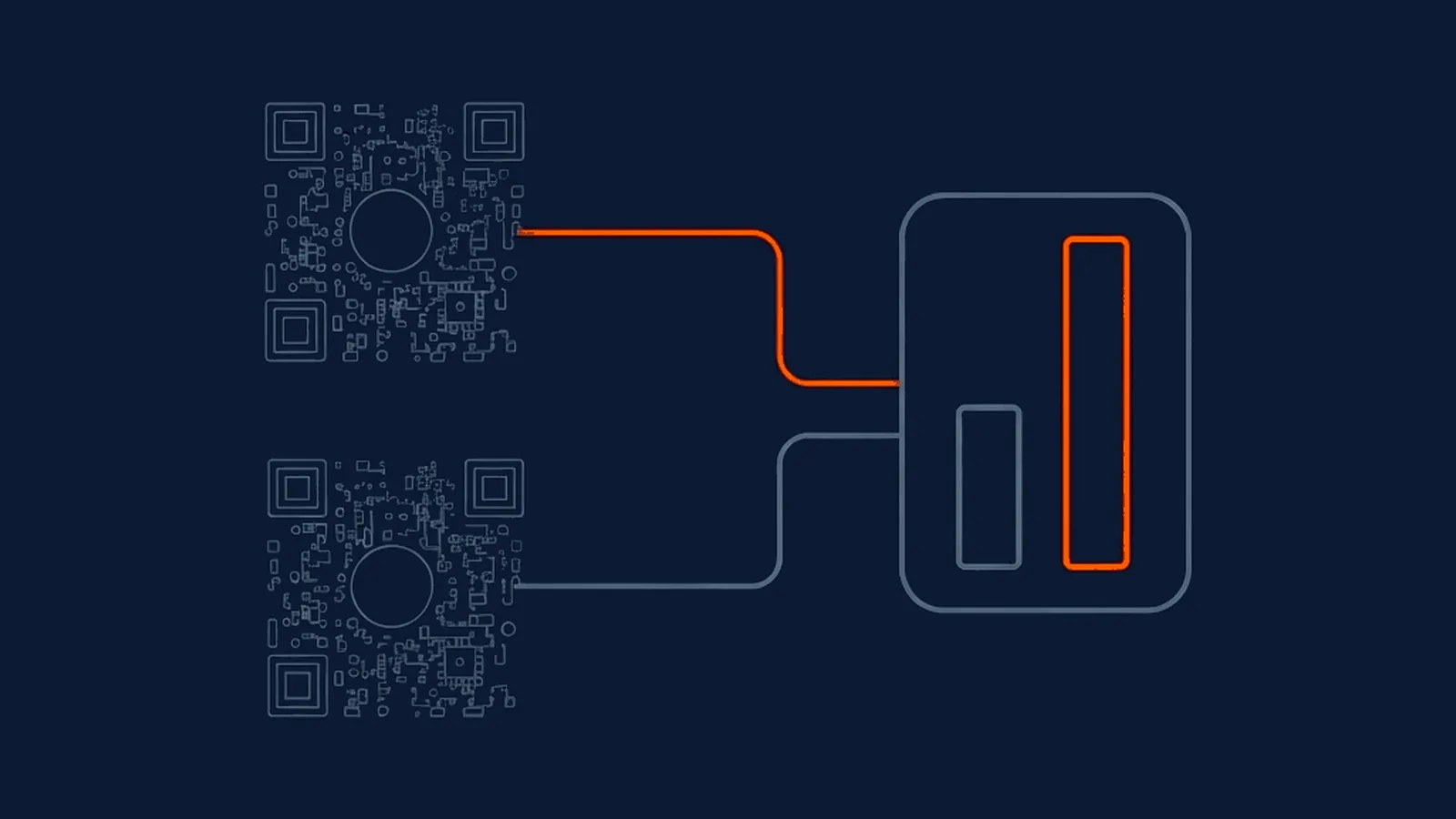
- You want to compare placements. Counter card, receipt and table tent each get their own link, so you can see which one people actually scan. Per-placement links are the cleanest way to answer that.
- The Google address might change. A profile can be re-verified, moved or merged, and a new branch gets a new link. Repointing is easier than reprinting. That is the whole case for editing after print.
- You print at volume. A few hundred delivery bags or invoice pads is the point at which a change costs real money.
If none of these applies, you do not need a platform. A static code is sometimes simply the right choice, and Google's own code is a fine example.
Where it works: placement by moment
The best placement is the moment a customer feels the job is done, with a free hand and a reason to stay for ten seconds.
| Placement | Why it can work | What to watch |
|---|---|---|
| Printed bill or receipt | The customer is already holding it | Print it big enough; thermal paper fades |
| Counter card at billing | They wait there | Keep it away from the payment code (the two get confused) |
| Table tent (restaurant, café) | They sit with time | Matte finish; glare ruins scans |
| Invoice or service report | A completed job | Link must work from a PDF on a phone |
| Delivery bag or parcel insert | Opened at home | A reason to scan beyond "review us" |
| Follow-up WhatsApp message | They are already on their phone | A link, not a code (see WhatsApp QR codes) |
| Shop window | Walk-by traffic | Wrong moment; these people have not bought yet |
| Waiting room wall | Long dwell | Good for clinics, but ask everyone |
Size and placement rules are the same as for any printed code, so run the pre-print checklist before anything goes to the printer.
The rules that matter
Google's help pages are plain on the biggest one: offering something in return for a review is treated as fake engagement and is strictly prohibited. The page lists free or discounted goods or services as examples, and it applies to posting a review, changing one and removing a negative one.
The second rule is about who you ask. Review-policy guides that track Google's wording describe selectively soliciting positive reviews as against the policy. In practice that means no screening question such as "Did you enjoy your meal?" before showing the code, and no sending the link only to people who seem pleased. The workable habit is boring: the same code, shown to everyone, in the same way.
| Do | Do not |
|---|---|
| Show the same code to every customer | Show it only to customers who look happy |
| Say "we'd love an honest review" | Offer a discount, a freebie or entry into a draw |
| Reply to every review, including bad ones | Ask staff to hit a number of reviews each month |
| Send unhappy customers a way to reach you separately, if you offer one to all | Route unhappy customers to a private form instead of the review page |
If you are unsure whether an idea is allowed, check Google's current policy pages rather than a blog post, including this one. Policies change, and a profile restriction costs far more than a few minutes of reading.
The one design rule: straight to the form
A review code should open Google's review form directly. The moment you put a page of your own in between, one that asks how the visit went, or has a star picker that sends low scores to a private box, you have built a gate. That is true even if the intent was kind.
If you use a short link, set its destination to the review address and nothing else. The redirect is invisible to the customer, so the experience is identical to using Google's code directly.
What you can measure, and what you cannot
A trackable link records that a visit happened: when, from what kind of phone, and roughly where. Those readings have limits, and the total-versus-unique distinction matters if regulars scan repeatedly.
It cannot tell you:
- Whether the scan became a review. Google's help page notes that customers must be signed in to a Google Account to leave one. Someone who scans, finds they are signed out and gives up still counts as a scan.
- Which review came from which code. Google does not pass that back to you.
- Whether UTM tags help. UTM parameters are read by analytics on a page you own. Google's review form is not one, so tagging that destination gives you nothing back. This is reasoned from how UTMs work, not from a published source. Separate links per placement do the job instead.
A sensible reading: put each placement on its own link for a few weeks, then compare scan counts with the number of new reviews over the same period. If one placement is scanned far less than the others, it is probably in the wrong place or missing a clear line. A short, concrete request such as "Scan to leave a review. It takes a minute" beats a bare code. Reviews can also arrive late, so do not read a single week too literally.
What this means for your next campaign
Start with Google's own code and a clear line of text. If you have several placements, or print at volume, put a short link per placement in front of it and let the counts show you which ones work. Whichever route you take, send people straight to the review form, ask everyone the same way and never attach a reward. Then test the printed code with a real phone, on a signed-in and a signed-out account, before you print in quantity.
Straight answers
Can I make a Google review QR code for free?
Yes. Google generates one for you inside your Business Profile, and any QR generator can also turn your review link into a code. Both cost nothing. A paid tool is only worth considering if you want to count scans per placement or keep the option of changing where the code points without reprinting.
Is it against Google's rules to put a review QR code on my counter?
No. Google's own help page suggests printing the code and displaying it in your store, and adding it to receipts and thank-you emails. What the rules forbid is offering something in return for a review, and steering who gets asked. The code itself is not the problem.
Can I ask only my happy customers to scan the code?
You should not. Asking only the customers who seem pleased is usually called review gating, and review-policy guides describe it as selective solicitation, which Google's policy disallows. Show the same code to everyone, and fix unhappy customers' problems through a separate, genuine conversation.
Will a QR platform tell me how many reviews the code produced?
No. A scan is a visit to a link. Whether the person signed in, wrote a review and posted it happens on Google's side, where you cannot see it. You can compare scans per placement with your review count over the same period, but treat that as a rough signal, not as attribution.
-
Google Business Profile Help: getting the review link and QR code (computer-only generation, suggested placements, incentive ban)
https://support.google.com/business/answer/16816815 -
Google Business Profile Help: tips to get more reviews (fake engagement, customers need a Google Account)
https://support.google.com/business/answer/3474122 -
Vendor help article quoting Google's policy on selective solicitation of positive reviews (secondary; used only for the gating point)
https://help.reviewflowz.com/en/articles/15809716-google-review-policy-the-myths-everyone-repeats-debunked-with-google-s-own-words