WhatsApp QR Code for Business: Three Ways to Build One and What Each Can Measure
Three ways to put a WhatsApp chat behind a QR code, what Meta's own codes can and cannot do, and how to tell which print placement started a chat.
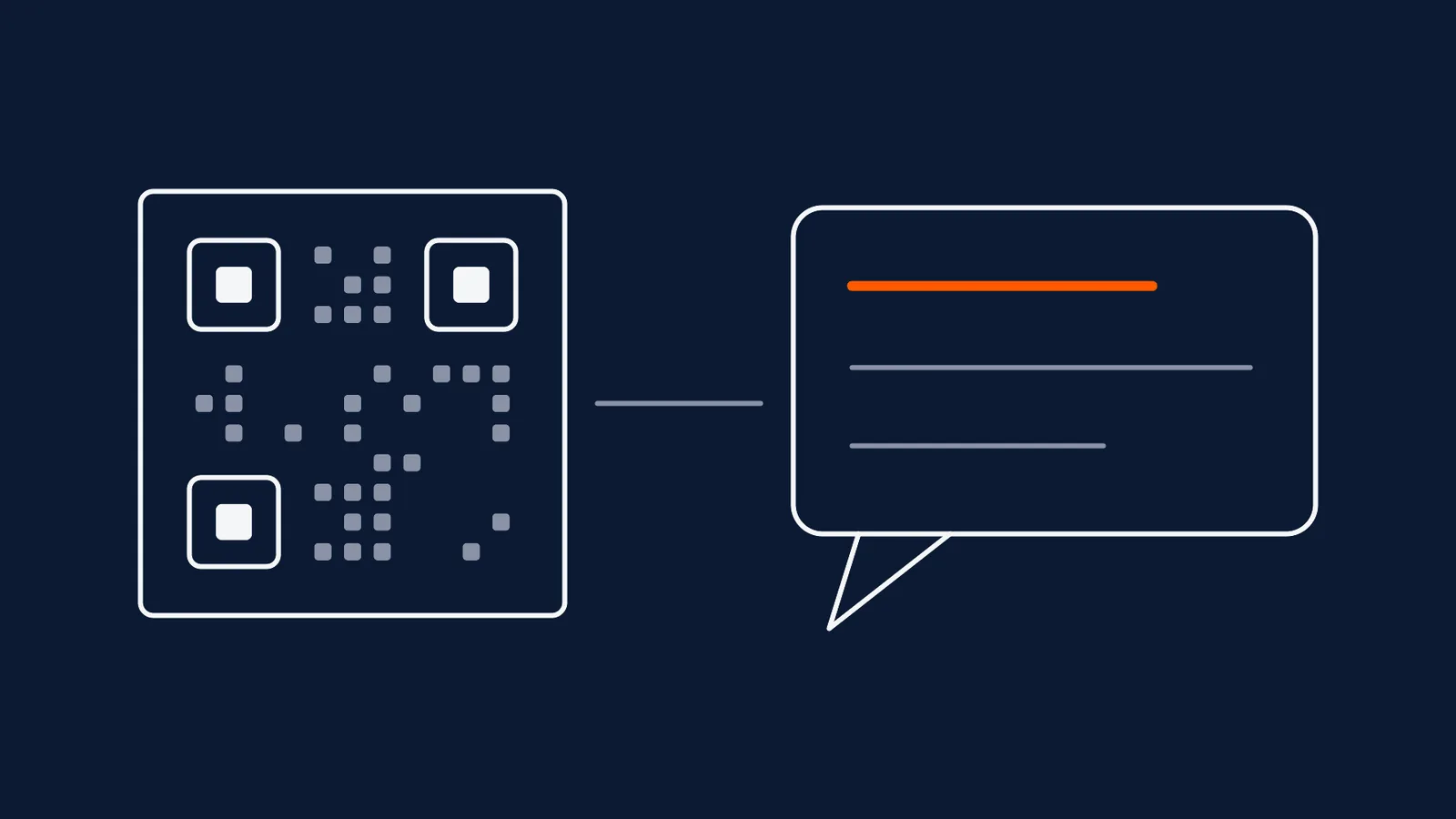
For a lot of Indian businesses the real website is a WhatsApp number. Orders, enquiries, bookings and support all happen in the chat, which makes 'scan to message us' one of the most natural QR code jobs there is. It is also one of the easiest to set up in a way that cannot be measured, cannot be changed and quietly stops working the day the number changes.
Here are the three ways to build one, what each costs you, and how to know which printed placement actually earned a conversation.
Three ways to build it
| Native WhatsApp code | Static code on a click-to-chat link | Dynamic code on a click-to-chat link | |
|---|---|---|---|
| How it works | Created in WhatsApp's business tools for your number | You write the chat link and encode it directly | The chat link sits behind a short redirect you control |
| Prefilled message | Yes, up to 140 characters per Meta | Yes, in the link itself | Yes, in the link it redirects to |
| Scan count | None, per Meta | None | Yes, from the redirect |
| Change after printing | Prefilled text can be edited through Meta's tools; the number cannot | No | Yes, destination editable |
| Cost | Free | Free | Depends on the platform |
| Works if the number changes | No | No | Yes, by editing the destination |
A click-to-chat link is simply your number in full international format, with an optional prefilled message, as a web address. When it is opened on a phone with WhatsApp installed, it opens a chat with that number. Turn that address into a QR code and you have the second option. Put it behind a dynamic short link and you have the third.
What Meta's own codes do and do not do
Meta's developer documentation sets out the terms clearly, and they are worth knowing before you print anything.
- Prefilled text is capped at 140 characters, and can be changed or removed at any time.
- A single business number can be linked to no more than 2,000 codes and short links combined.
- Scan analytics are not provided. You see the chats, not the scans.
- Deleting a code makes it stop working. Codes do not expire on their own, but once deleted, anyone who tries to use one sees a message saying it has expired.
- Prefilled text can be edited without changing the code, through Meta's business tools or its API.
The first two limits rarely bite. The third matters a great deal if you are spending money on print, because 'forty chats this month' cannot be tied to the flyer, the shelf or the window that earned them.
The cheapest attribution there is: one prefilled message per placement
You do not need a tracking tool to know where a chat came from. Give each placement its own code, and give each code its own prefilled opening message, written in the customer's voice:
| Placement | Prefilled first message |
|---|---|
| Shop window | "Hi, I saw your window and want to ask about..." |
| Counter display | "Hi, I'm at your counter and have a question about..." |
| Delivery bag insert | "Hi, I got your card with my order and need help with..." |
| Print ad in a regional paper | "Hi, I saw your ad in the paper and want to know..." |
The customer can change the text before sending, but most will not, and the opening words arrive in your inbox with the conversation. This works with any of the three build methods, it needs no consent banner because nothing is being tracked, and it survives every limit in the attribution post. Each line should be short, plain and in the language your customers actually use, for the same reasons that apply to any call to action.
Where a dynamic layer earns its place
Putting a redirect between the print and the chat gives you two things the other methods cannot.
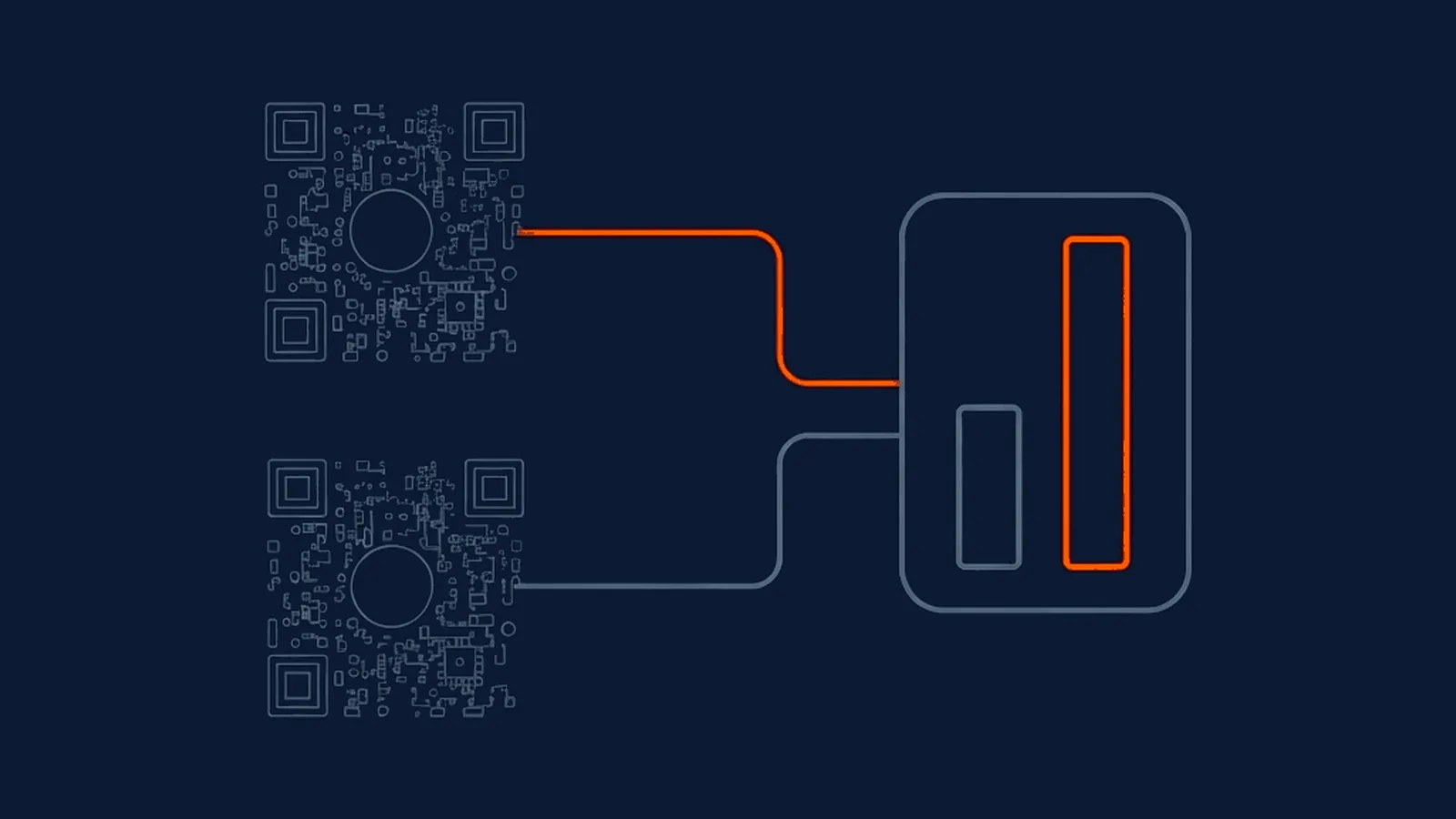
A scan count per placement. Per-code analytics give you total and unique scans, a time series, and device and rough location for each code. Combined with the prefilled-message trick, you can compare scans to chats for each placement. If forty people scanned the counter code and five opened a chat, that ratio is a finding in its own right, and it is the kind of reading the scan curve post is built around.
An escape from the number you printed. Businesses change numbers, merge accounts and move to a new WhatsApp Business setup more often than they expect. A code pointing directly at the old number keeps pointing at it, and the only fix is a reprint. A redirect lets you edit the destination and every printed copy follows. The caveat that applies to all dynamic codes applies here too: you depend on the platform staying up, and on you keeping the account active.
What you still cannot measure
This is worth stating plainly because it is where most WhatsApp QR claims quietly overreach.
- A scan is not a chat. Someone can scan, see the prefilled message and close the window. A QR platform records the scan; whether a conversation began is visible only inside WhatsApp.
- UTM tags have nowhere to go. UTM parameters work because a web page loads and a site analytics tool reads the address. A chat window is not a page, so tagging the chat link does not produce a report anywhere.
- Sales that happen inside the chat are invisible to analytics. If an order is confirmed in a conversation, the only record is the conversation. Counting those chats against scans is a manual job.
None of this makes the code a bad idea. It means the numbers you can trust are scans from the platform and openings from your own inbox, joined by hand, not a funnel any tool will draw for you.
Print it so it works
- Use a business number, not a personal one. A number printed on a shop front is public for as long as the print lasts.
- Show the number as text next to the code, for customers who cannot or will not scan, and for any phone where the chat app is not installed.
- Write the call to action as an instruction: 'Scan to chat on WhatsApp', with a payoff such as 'ask us anything' or 'get a reply today' only if you can honour it.
- Test on a real phone that has WhatsApp, and on one that does not, and see what each does.
- Confirm someone is watching the inbox before the code goes live. A scan that opens a chat nobody answers is worse than no code.
What this means for your next campaign
Decide first whether you need to measure scans or only receive chats. If it is only chats, a native code or a static code on a click-to-chat link is free and fine, with one prefilled message per placement doing the attribution. If scans matter, or the number might change, put the link behind a redirect you control and accept the platform dependency that comes with it. In every case, make the first message specific, keep the number visible as text, and run the pre-print checklist before anything goes to press.
Straight answers
How do I make a QR code that opens a WhatsApp chat?
There are three routes. Generate one inside WhatsApp Business or Meta's business tools, which produces a code and short link tied to your number. Or build a click-to-chat link yourself, which is your number in full international format, optionally with a prefilled message, and turn that web address into a QR code. Or put that link behind a dynamic QR code from a QR platform, so you can read scans and change the destination later without reprinting.
Do WhatsApp's own QR codes show me how many people scanned them?
According to Meta's developer documentation, WhatsApp QR codes and short links do not provide scan analytics. You can see the conversations that start, but not how many people scanned a particular printed code. If you want a scan count per placement, you need a layer in front of the chat link that records the scan before passing the visitor on.
Can I tell which printed placement started a WhatsApp chat?
Yes, with a simple trick. Give each placement its own code and its own prefilled message, such as a short phrase naming the shelf, flyer or window. When the message arrives, its opening words tell you where the customer scanned. This is first-party attribution that needs no tracking at all, and it works because the customer's own first message carries the source.
What happens if I change my business WhatsApp number after printing?
A code that points directly at the old number keeps pointing at it. If the code is static or is a native code tied to that number, the fix is to reprint. If the printed code is a dynamic short link, you can change where it points, and every printed copy follows. That is the strongest practical case for putting a redirect between the print and the chat.
-
Meta for Developers: WhatsApp QR codes and short links
https://developers.facebook.com/documentation/business-messaging/whatsapp/qr-codes/