Dead QR Codes: 7 Ways a Printed Code Stops Working
Seven specific reasons a printed QR code stops scanning, how to test for each one, the fix, and whether it was preventable before print.
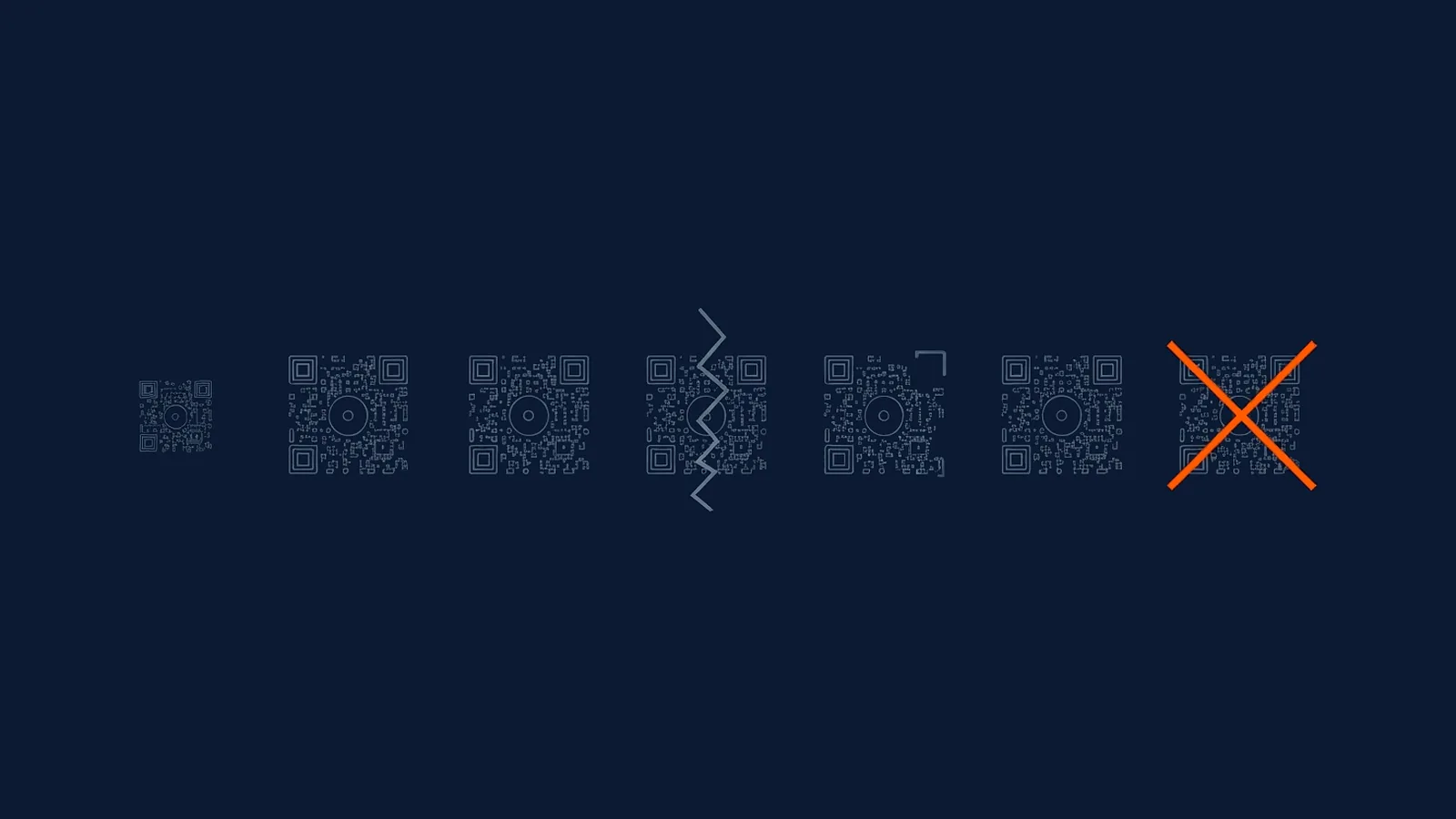
A QR code fails in one of two broad ways: it never detects at all, or it detects and then fails somewhere after that. Knowing which of those two is happening narrows seven specific, common causes down to a short, testable list, rather than leaving a marketer guessing between a design problem and something entirely outside the code's own printed pattern.
That first diagnostic split, does it detect at all, is worth running before touching anything else, because it immediately eliminates half the possible causes. A code that a phone's camera never even recognises as a QR code, no brief flash of a link preview, nothing, points to one of the four print-related causes below: contrast, size, quiet zone, or substrate distortion. A code that the camera clearly recognises, shows a link preview or begins to open something, and then fails, points to one of the three causes rooted in the platform or destination instead. This single question, asked before any deeper troubleshooting, saves most of the guesswork the rest of this article exists to resolve.
The seven causes, at a glance
| Cause | Symptom | How to test | Fix | Preventable at design time? |
|---|---|---|---|---|
| Insufficient contrast | Code never detects, especially in dim or uneven light | Scan under more than one lighting condition, not just office light | Increase contrast; avoid similar-toned colour pairings | Yes |
| Printed too small | Detects only at very close range or not at all | Measure against the realistic scanning distance, not the printed page size | Reprint at a size matching the 10:1 distance rule | Yes |
| Damaged or cropped quiet zone | Detects inconsistently or not at all, even though the data pattern looks intact | Check for text, borders, or artwork within four modules of the code on all sides | Redesign with the full quiet zone respected | Yes |
| Creased, folded or curved substrate | Detects sometimes, depending on the angle held | Flatten or hold at different angles while testing | Avoid placing the code across a fold, seam, or tight curve | Yes |
| Lapsed or shut-down dynamic service | Detects and starts a redirect that fails or errors | Scan and observe exactly where the failure happens after detection | Move to a platform with a clear continuity and export position | No |
| Dead destination URL | Detects, redirects, then the destination itself errors | Check the destination URL directly in a browser | Update the destination if the code is dynamic; nothing to do if static | Partially |
| Destination flagged unsafe | Detects, then the scan is blocked by a safety warning | Check the destination against reputation databases directly | Investigate whether the destination was compromised after printing | No |
The four causes rooted in print production
Insufficient contrast, undersized codes, a compromised quiet zone, and substrate problems share a common trait: all four are fully knowable before a single unit goes to press, and all four are covered by the same print-production discipline that packaging and other print placements already demand. Contrast fails because a scanner reads reflected light, not colour as a person sees it, so a pairing that looks distinct on a monitor, particularly relevant wherever a code carries brand colours, can read as nearly identical under a camera. Undersizing fails on a simple, testable ratio: a code printed smaller than roughly a tenth of its realistic scanning distance asks a camera to resolve detail it physically cannot from that distance. A cropped quiet zone fails not at the data-reading stage but at detection itself, since a scanner locates a code by isolating its finder patterns from surrounding visual noise, and text or artwork pushed too close prevents that isolation regardless of how clean the underlying data is. And a fold, seam, or tight curve distorts the code's geometry exactly where a camera needs an undistorted grid, which is why a code that scans fine held flat can fail the moment it's read at the angle it actually sits at in the world.
All four of these are catchable with the same simple habit: test the actual printed proof, on the actual substrate, at the actual size, under more than one lighting condition, before the full run is committed. None require special equipment, and all four are exactly the kind of failure a rushed proofing pass, checked only on a screen, sails straight past. A design that passes review on a laptop screen under office lighting has told you nothing about how it behaves on the actual carton, under the actual shelf lighting, at the actual distance a shopper will hold their phone from it.
The three causes rooted in what happens after printing
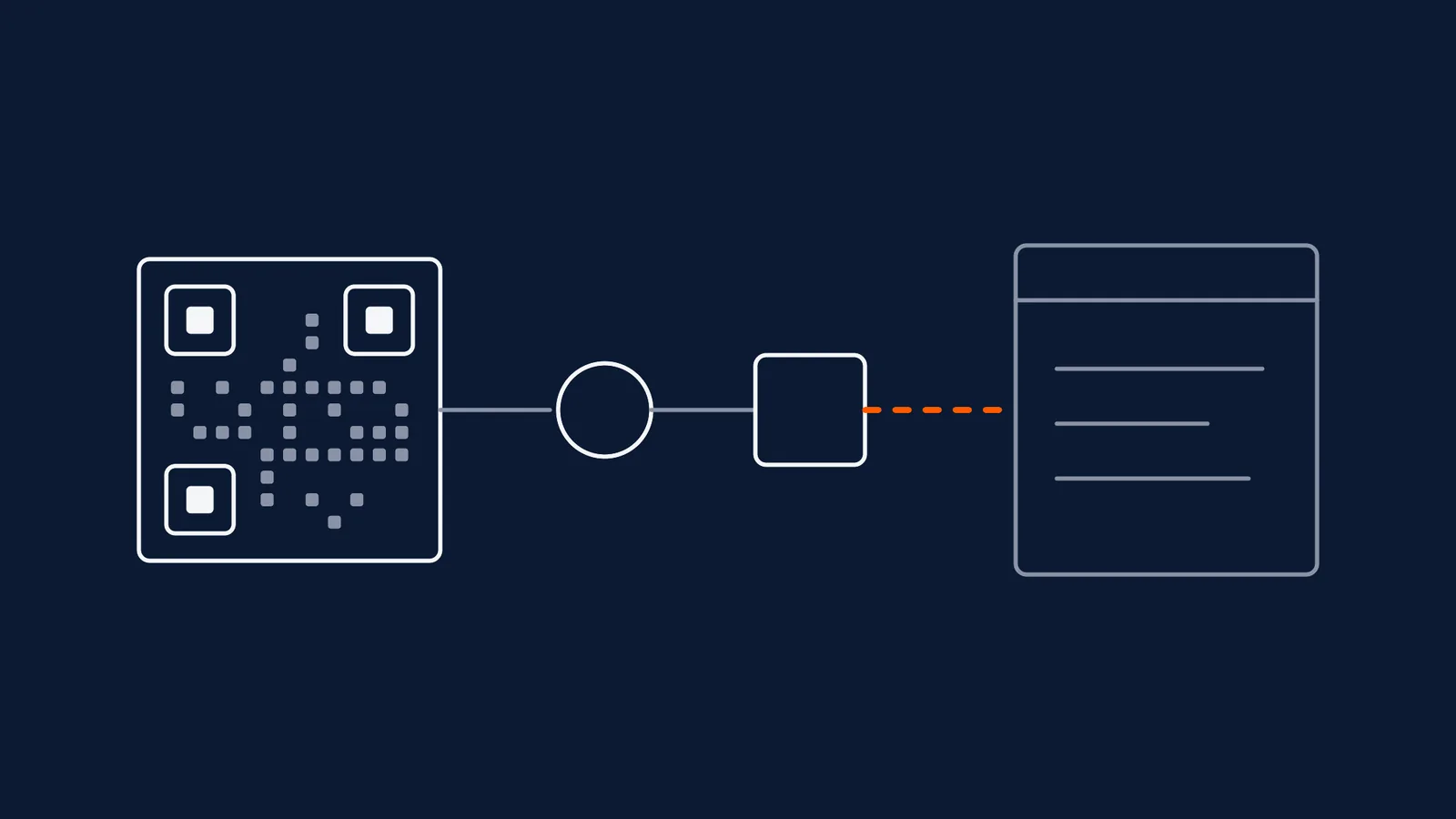
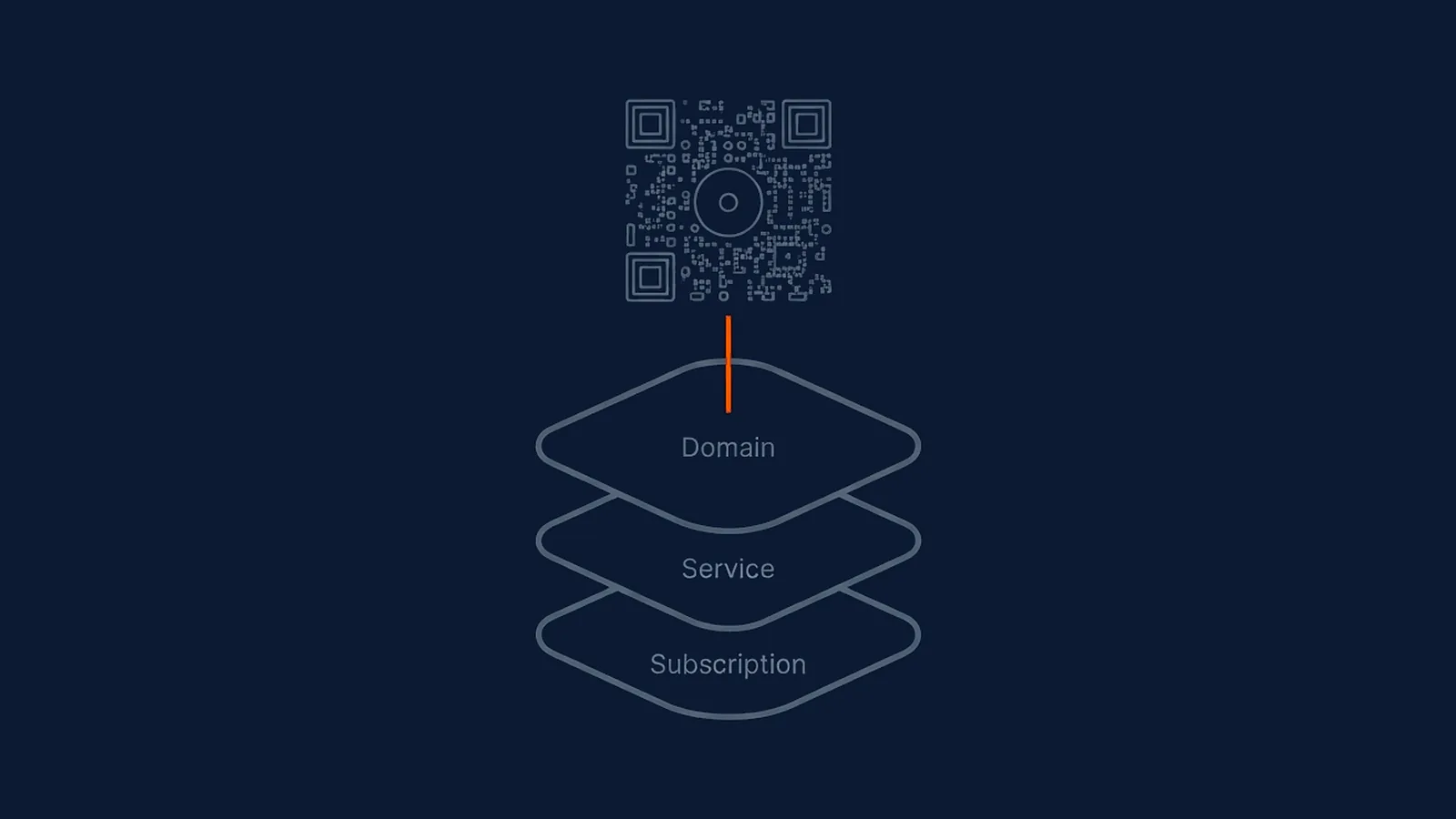
The remaining three causes are different in kind, because the printed pattern itself is often completely unchanged when they strike. A dynamic QR code's printed pattern holds nothing but a short redirect address; everything a marketer actually wants a scanner to reach lives behind that redirect, on a platform and at a destination that can both change independently of the print.
A lapsed or shut-down dynamic service is the starkest version of this: the code detects perfectly, the redirect even begins, and then fails because the service meant to complete it no longer exists or the account behind it has lapsed. This is the dependency question at the heart of who actually owns a QR code once it's printed, and it's not solvable by better print production, only by choosing a platform with a credible, disclosed continuity position before the code goes live.
A dead destination URL is more familiar and partially within a marketer's control. If the code is dynamic, the fix is straightforward: update the destination, and every already-printed unit starts working again without a reprint. If the code is static, the destination is baked into the pattern permanently, and a dead link on a static code means the printed material itself has reached the end of its useful life, whatever its physical condition. This is one more place the earlier static-versus-dynamic decision quietly resurfaces months or years after a code was first printed, long after the original choice has been forgotten.
A destination flagged unsafe is the least visible of the seven until someone actually reports it. A URL that was entirely clean at print time can be compromised months later, through a hijacked domain, an expired registration picked up by someone else, or a legitimate site later compromised, and a scanner encountering that changed destination has no way to know the code used to be safe. This is precisely why re-checking a destination's reputation at the point of every edit, not only once at creation, matters more than it looks like it should from the outside; a one-time check protects the day of print and nothing after it.
This particular failure mode is also the hardest one to blame on anyone specific, which is part of why it's worth taking seriously rather than treating as a rare edge case. Nobody printed a bad code, nobody misconfigured a redirect, and the destination genuinely was safe on the day the print run shipped. The compromise happened later, to infrastructure the marketer doesn't control and often doesn't even monitor, which is exactly the gap that ongoing reputation scanning, rather than a one-time check, is built to close.
What this means for your next campaign
Split any dead-code investigation into the same two questions this article opened with: does it detect at all, and if it does, where exactly does it fail after that. The first four causes above live entirely in the printed pattern and are catchable with a proper pre-print test; a complete checklist covering all of them, and more, before a print run is committed is the single most effective habit for avoiding this category outright. The last three causes live in the platform and the destination, which no print test can catch, and which is why the choice of what sits behind a printed code matters as much as the print itself: a platform with a clear, disclosed continuity position, and destination-reputation checks that run on every edit rather than only once, are what keep a code alive long after the print run is finished.
Straight answers
Why did a QR code that used to work suddenly stop scanning?
Something changed on one of three fronts: the physical print (damage, fading, a fold reaching the code), the platform behind it (a dynamic QR service lapsing or shutting down), or the destination (the URL going dead or getting flagged as unsafe). A code that worked at launch and later failed almost always points to the platform or destination side, since the print itself doesn't usually change after it leaves the press.
How do I test whether a QR code's problem is the print or the platform?
Try scanning the printed code with more than one device and app first. If none of them detect it at all, the problem is very likely physical: size, contrast, quiet zone, or substrate damage. If the code decodes and starts a redirect but the destination fails to load or shows an error, the problem sits with the platform or the destination URL, not the printed pattern itself.
Can a QR code stop working even if the printed pattern is untouched?
Yes, and this is the case people find most confusing, because nothing about the physical code changed. A dynamic QR code's printed pattern only ever holds a short redirect address; if the service running that redirect lapses, shuts down, or the destination it points to goes offline or gets flagged unsafe, the printed code is untouched but functionally dead.
What's the single most preventable cause of a dead QR code?
Insufficient size or contrast for the printing method and viewing distance, since both are entirely knowable before a single unit is printed. A short pre-print test, checking size against distance and contrast against the actual substrate and lighting, catches this category before print, whereas platform and destination failures can only be prevented by the ongoing choices made after the code is already live.