Device and OS Breakdown: Turning Scan Data Into Landing-Page Decisions
What device and OS data from a QR scan should actually change on your landing page, with the India-specific case for a hard page-weight budget.
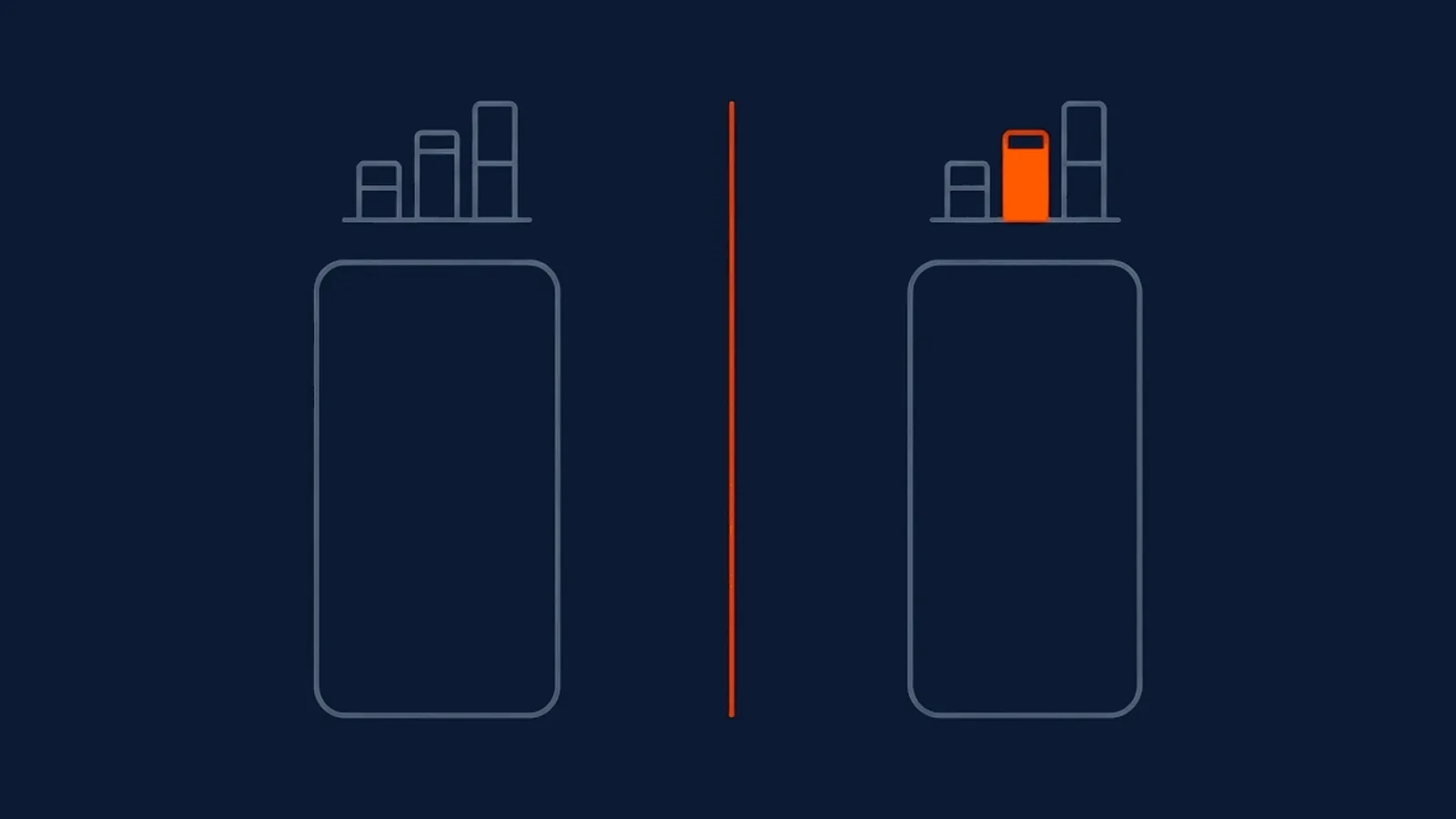
A QR code's device and OS breakdown sits in most analytics dashboards unread, because "63% Android, 37% iOS" doesn't look like it's telling you to do anything in particular. It is. Device and OS data exists to answer one practical question: what should this specific landing page assume about the phone it's about to load on, and what should it change as a result.
The decision table
| Signal | What it tells you | Change to make on the landing page |
|---|---|---|
| Android-heavy traffic | Most visitors carry Google's payment and app ecosystem by default | Lead with UPI and wallet options Android handles natively; treat Apple Pay as secondary, not the default |
| A meaningful iOS share, even a minority | Some visitors expect Apple's conventions | Keep a working, tested fallback path for iOS rather than an Android-only flow that quietly breaks for the smaller share |
| Older OS versions or mid-tier device models | The visitor's phone may not support newer web features or handle heavy scripts smoothly | Avoid relying on the newest CSS or JavaScript features without a fallback; test on genuinely mid-range hardware, not only the newest device on the team |
| Small or mixed screen sizes | Layouts designed on a designer's large phone may not hold up | Set font sizes legible without pinch-zoom and tap targets large enough for a thumb, checked on the smallest common screen size, not the average one |
None of these four changes require new tooling. They require reading the breakdown once, deciding what it implies for that specific page, and building to the phone that actually shows up rather than the one used to design the mockup.
The India-specific case for a hard page-weight ceiling
Three realities compound in the Indian mobile market specifically, and they point in the same direction. Android holds a large, sustained majority of the mobile operating system market in India, consistently reported at well above nine in ten devices on independently tracked market-share data. A meaningful share of that Android base is mid-tier hardware rather than flagship phones, with less processing headroom for a heavy page. And mobile network conditions in much of the country remain uneven enough that a page's total download size, not just its visual design, decides whether it finishes loading before a visitor gives up.
Put those three together and the conclusion is specific rather than generic: a QR landing page aimed at an Indian audience needs an explicit, enforced page-weight budget, not a vague goal of "keep it fast." Continuously tracked, crawl-based data on typical mobile page weight across the web puts the median mobile page at several megabytes, a figure driven by image-heavy templates, tracking scripts, and web fonts loaded by default on most site builders. A scan-driven landing page has no business anywhere near that median. It should be built closer to a few hundred kilobytes: a handful of compressed images, minimal or no third-party script, and text that renders before any image has finished loading, which on a mid-tier device over an inconsistent connection is the difference between a page that loads in the time a visitor is still holding their phone up and one that loses them before it appears at all.
Device data as a first-party signal, not a third-party one
The device and OS behind a scan is one of the cleaner pieces of data a marketer collects offline, precisely because it comes with the scan itself rather than through a cookie that a consent banner might block or a browser might strip. That makes it part of the same broader shift treating a QR scan as a first-party measurement rather than a proxy inferred from someone else's tracking pixel. A device breakdown gathered this way stays available and consistent even as third-party signal continues to degrade elsewhere in a marketer's stack, which is one more reason it deserves to be read and acted on rather than filed away as background detail in a dashboard.
Why a heavy page wastes a scan you already paid for
The scan itself is the expensive part of this chain, not the landing page. By the time someone scans a code, a business has already paid for the print run or packaging that carried it, the design work that made it noticeable, and the placement decision that put it somewhere a person would actually stop. All of that cost is sunk the moment the scan happens. A landing page that takes too long to load, or renders badly on the phone that actually opened it, throws away everything spent to earn that single moment, and does it silently: nobody following up on a slow-loading page's device and OS breakdown sees a complaint, they see a scan that never converted, with no obvious reason attached.
This is also why device and OS data belongs in a pre-launch checklist, not only a post-launch report. Knowing, before a code goes to print, that the audience will be predominantly Android on mid-tier hardware over an inconsistent connection is a design brief, not a curiosity to check after the campaign has already run its course and the print budget is already spent.
The same logic applies mid-campaign, not only at launch. If a first batch of scans shows a heavier-than-expected iOS share, or an unusual concentration of older Android versions, that's a signal worth acting on before the rest of a large print run goes out, since a dynamic code's destination can be adjusted to better suit what the data is actually showing without reprinting anything already produced. Waiting until a full campaign has run its course to read this breakdown means learning the lesson only in time for the next campaign, not this one.
What this data does not tell you
Device and OS data describes the hardware and software making the request, nothing about the person holding it. Two different people scanning from similar mid-tier Android phones are indistinguishable in this data, and the same person switching between a personal phone and a work phone looks like two separate visitors. It's a signal for shaping the page a stranger's phone is about to load, not a way to build a profile of who that stranger is. Where a marketer wants to understand broader regional patterns rather than device capability, what location data can and cannot tell you is the more relevant, and more honestly limited, half of that question.
What this means for your next campaign
Pull the device and OS breakdown before finalising a landing page, not after the campaign has run. Build to the phone that actually shows up in that data, mid-tier Android hardware on an inconsistent connection, as the default case for an Indian audience, with a genuinely tested fallback for the rest. Set a page-weight budget in kilobytes, not just a stated goal of feeling fast, and hold the page to it the same way a print run is held to a size and colour specification. A scan is a moment of attention a business has already paid for in print and placement; the landing page's only job is not to waste it.
Straight answers
Why does device and OS data from QR scans matter if I already have a mobile-friendly site?
Mobile-friendly usually means the layout doesn't break on a small screen. It says nothing about whether the page loads fast enough on a mid-tier device over an inconsistent mobile network, which is the more common failure mode for a scan-driven landing page. Device and OS data tells you which of those two problems you actually have, rather than assuming the design is the whole story.
Should a QR landing page prioritise Android or iOS in India?
Android, by a wide margin, based on India's long-standing and consistently reported mobile OS split. That means testing on genuinely mid-tier Android hardware, not the newest flagship, prioritising payment and wallet options that Android users can actually complete, and treating an iOS-first design as the exception rather than the default, while still keeping a working fallback for the smaller iOS share.
What is a reasonable page-weight budget for a QR landing page?
Aim well below the median page weight reported for typical mobile sites, since a scan-driven landing page is competing for a moment of attention a static webpage doesn't have to fight for. A page assembled mostly of text, a handful of compressed images, and minimal script, rather than a full marketing site template, is what a scan can realistically afford before the visitor gives up waiting.
Does device data tell me anything about who is scanning, not just what they're using?
Only indirectly. Device and OS data describes the hardware and software making the request, not the person behind it. Two different people on similar mid-tier Android phones look identical in this data, and the same person scanning from two different devices looks like two different profiles. Treat it as a page-design signal, not an audience-identity signal.
-
Android's large, sustained majority share of the mobile operating system market in India, tracked on StatCounter's continuously updated dataset
https://gs.statcounter.com/os-market-share/mobile/india -
Median mobile page weight sitting in the multi-megabyte range on HTTP Archive's continuously updated, crawl-based Page Weight report
https://httparchive.org/reports/page-weight